
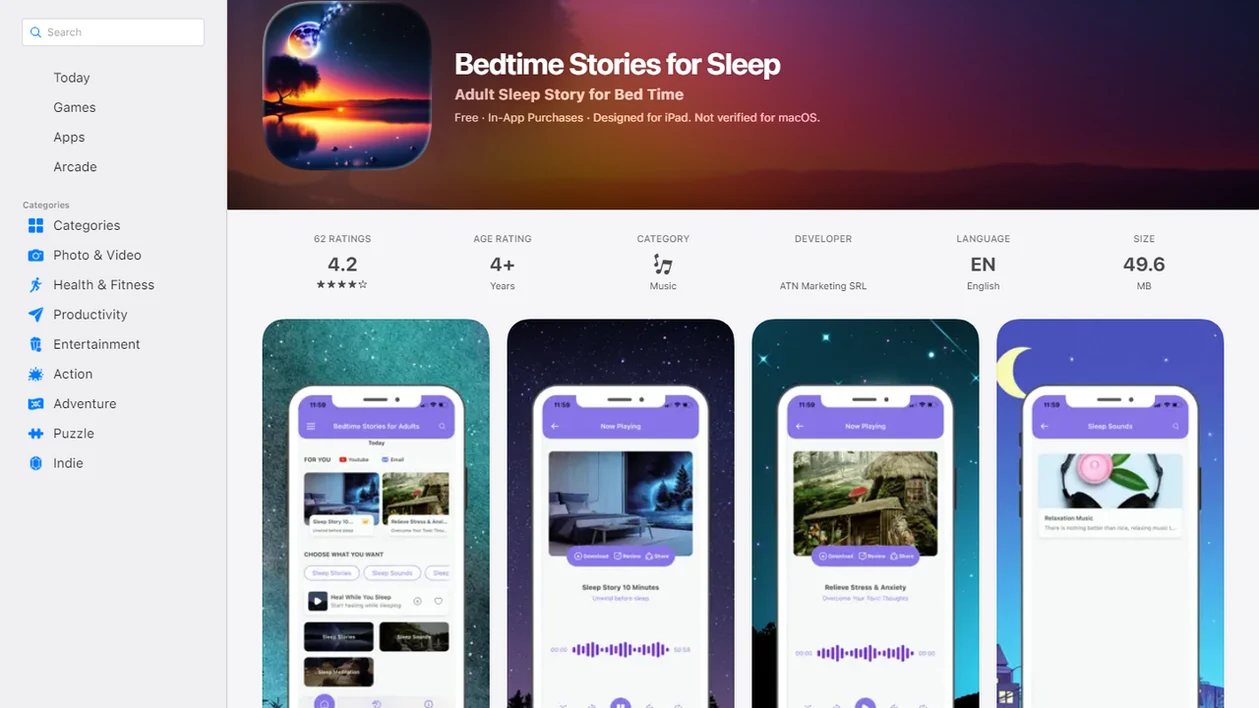
A sleep timer for bedtime stories is a feature in an app or audio player that lets you choose a specific playback duration so your sleep story, meditation, or calming sound automatically turns off after you drift off.
- Set your bedtime audio timer to 20–30 minutes to match the average adult wind-down window.
- Use fade-out mode, Do Not Disturb, and screen lock alongside the timer for uninterrupted sleep.
- Repeating the same timer length nightly builds a sleep cue your brain learns to follow.
What a Sleep Timer for Bedtime Stories Does
A sleep story timer is a playback control that stops bedtime audio after a chosen amount of time. It is useful because adult sleep audio should cue rest, not keep narrating into the lighter stages of sleep.
About 35% of U.S. adults report sleeping less than seven hours on average, according to CDC adult sleep-duration data source. That makes small sleep hygiene details matter. A story that keeps playing through the night can restart attention, trigger a volume change, or wake a partner when the room is already settled.
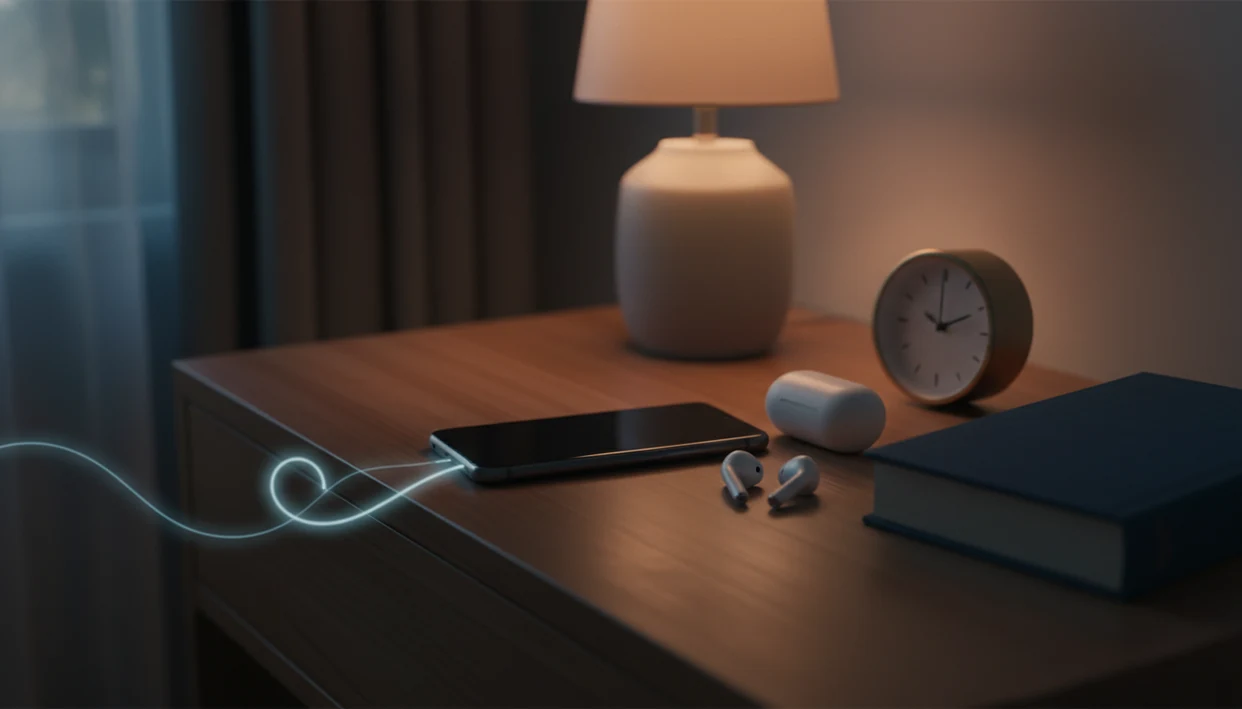
The phone is face down for a reason.
If your priority is calm audio that does not run until morning, Bedtime Adult fits because the timer can stop a story, meditation, or soundscape after a set playback window. That protects battery life, limits mobile data use, and keeps the night from turning into an eight-hour playlist.
Good bedtime stories and sleep meditation for adults deliver calming fiction, wind-down routines, and sleep sounds, not 18+ content or a clinical sleep treatment.
How the Bedtime Audio Timer Works Behind the Scenes
A bedtime audio timer works by counting down from the duration you choose, then sending a playback-stop instruction when the timer ends. Some timers stop at a fixed clock time, while better sleep story timers can also end after a chapter or story finishes.
An app-level timer is different from a phone’s general timer. Bedtime Adult can coordinate the audio fade, playback pause, and screen behavior inside the listening session. An OS-level timer on iOS or Android may stop sound across apps, but it usually does not understand story length or mood.
Research on bedtime device use supports keeping screens quiet and dim. In a randomized trial, reading from a light-emitting eReader before bed delayed circadian timing and reduced evening sleepiness compared with a printed book source.
Fade-Out vs. Abrupt Cutoff
Fade-out lowers volume gradually so the ending feels less noticeable. An abrupt cutoff can make the silence feel sudden, especially with earbuds or a small speaker on the nightstand.
Before You Set Your Sleep Story Timer: Quick Checklist
Set up the room before you start the story. A sleep story timer works better when the content, phone settings, and bedtime are all pointing in the same direction.
- Choose slow, low-drama audio. True crime, arguments, and cliffhangers can keep attention active.
- Enable Do Not Disturb and lower brightness before playback starts.
- Turn off autoplay so the next episode does not begin after the timer ends.
- Match the timer to a consistent bedtime and one story or meditation length.
- Use the same wind-down pattern most nights, since sleep hygiene reviews associate regular pre-sleep routines with better sleep onset and sleep quality.
On days when work thoughts keep looping after the blazer is hung on a chair, Bedtime Adult handles the first step because Sleep Stories for Grown Ups keep narration calm, grown-up, and family-safe. If you prefer sound-led routines, compare textures in our guide to sleep stories with rain sounds.
How to Use the Sleep Timer in Bedtime Adult
Use the app sleep timer before you lock the screen, not after you are already half-asleep. The setting should feel like brushing teeth: brief, repeatable, and boring in a good way.
- Open a story or meditation.
- Tap the timer icon on the playback screen.
- Choose a duration: 15, 20, 30, or 45 minutes.
- Enable fade-out so the volume lowers gradually near the end.
- Lock your screen and place the phone face down on the nightstand.
- Repeat the same setting nightly to build a sleep cue.
If the room is shared, the timer and fade-out reduce the chance that one listener wakes when the other has already drifted off. The common real-world test is simple: your partner asks, “Can you turn it down one notch?” and the room settles.
Ready to start your quit?
A sleep timer for bedtime stories automatically stops your audio after a set duration, typically 20 to 30 minutes, so your calming story or meditation fades out once you've fallen…
How Long to Set the Bedtime Audio Timer
How long should you set a bedtime audio timer? For most adults, 20 to 30 minutes is a practical starting range because it matches a typical wind-down window without turning the story into all-night background audio.
Longer is not always gentler. A 60-minute or longer timer can keep the brain following plot, language, or sound changes when the goal is to release attention. Match the timer to one full story, one meditation, or a familiar sleep sound session.
Adults aged 18–60 are recommended to sleep at least seven hours per night on a regular basis, according to the American Academy of Sleep Medicine and Sleep Research Society source. Timer length matters less than protecting the sleep window.
For adults who fall asleep before the ending, a shorter sleep story timer is often easier than a longer session because it reduces overnight audio without cutting off the wind-down cue. Try 20 minutes for a week, then adjust by five or ten minutes.
What the Sleep Timer Looks Like in Bedtime Adult
The sleep timer sits on the playback screen near the main audio controls. Tap it once, choose 15, 20, 30, 45 minutes, or end of story, then return to the story without digging through phone settings.
The fade-out toggle controls the volume curve at the end of playback. Instead of stopping at full volume, the audio lowers gradually before it pauses. That matters with soft rain, brown noise, and distant train ambience because the ending should not call attention to itself.
If the priority is a quiet finish, this setup is practical because there are no mid-story ads or autoplay interruptions during the timer window. The screen can lock automatically after the timer starts, which keeps the bedside lamp and phone from competing at 10:15 p.m.
Common Sleep Timer Mistakes That Hurt Sleep Quality
The most common sleep timer mistake is using the timer as permission to keep the phone active. A 30-minute bedtime audio timer helps less if notifications, autoplay, or suspenseful content keep nudging the brain awake.
Watch for these mistakes:
- Setting the timer to 60 minutes or longer when you usually fall asleep sooner.
- Leaving autoplay enabled, so a new track begins after the first one ends.
- Choosing emotionally charged content, even when the timer is set correctly.
- Forgetting Do Not Disturb and waking to a late message.
- Treating the timer as a replacement for a steady bedtime and lower light.
A CDC analysis found that 70% of U.S. high school students who used screens before bed slept seven hours or less, a pattern that reflects broader concerns about device-linked sleep disruption source. The timer helps most when the screen stays quiet.
App Sleep Timer vs. Phone Built-In Timer
An app sleep timer is designed for bedtime listening, while a phone built-in timer is a general stop control. Both can be useful, but they behave differently once the room is dark.
| Timer option | What it does well | Main drawback | When to use it |
|---|---|---|---|
| Bedtime Adult app sleep timer | Fades volume, stops bedtime audio, supports screen lock | Works inside Bedtime Adult listening sessions | Nightly stories, meditations, and sleep sounds |
| iOS or Android built-in timer | Can stop audio across many apps | Usually lacks story-aware fade-out | Backup when another app has no timer |
| End-of-story setting | Stops after the chosen story ends | Less precise than a minute timer | When one story length matches your routine |
| Manual stop | Gives full control | Requires staying awake to stop playback | Short rests, not sleep onset |
The right fit for adults comparing apps is Bedtime Adult because the timer is built around bedtime playback rather than a generic alarm behavior. Broader options are covered in our best sleep sounds and stories app guide.
Limitations
A sleep timer is helpful, but it is not a treatment plan. Bedtime Adult supports general relaxation and bedtime routine consistency; it does not diagnose or treat sleep disorders.
- A timer cannot fix underlying insomnia, sleep apnea, restless legs, or medication-related sleep problems.
- Some adults may become used to audio every night, making silent sleep feel harder for a while.
- Suspenseful, emotional, or fast-paced stories can increase arousal even when playback ends on time.
- Not all apps handle timers well; abrupt cutoffs, ads, and autoplay are common in some services.
- Evidence for the exact optimal timer length and format is still emerging.
- A timer alone does not replace consistent bedtimes, light management, and screen limits.
- Competitors such as calm.com, headspace.com, getsleepy.com, and sleepwithme.com may offer different timer styles, content pacing, or subscription rules.
For adults who want one routine app rather than scattered phone settings, Bedtime Adult fits because the timer sits beside stories, meditations, and sounds in the same playback flow. If routine structure matters more than audio choice, our bedtime routine app for adults explains that workflow.