What App Identifies the Best Sleep Sounds for Bedtime?
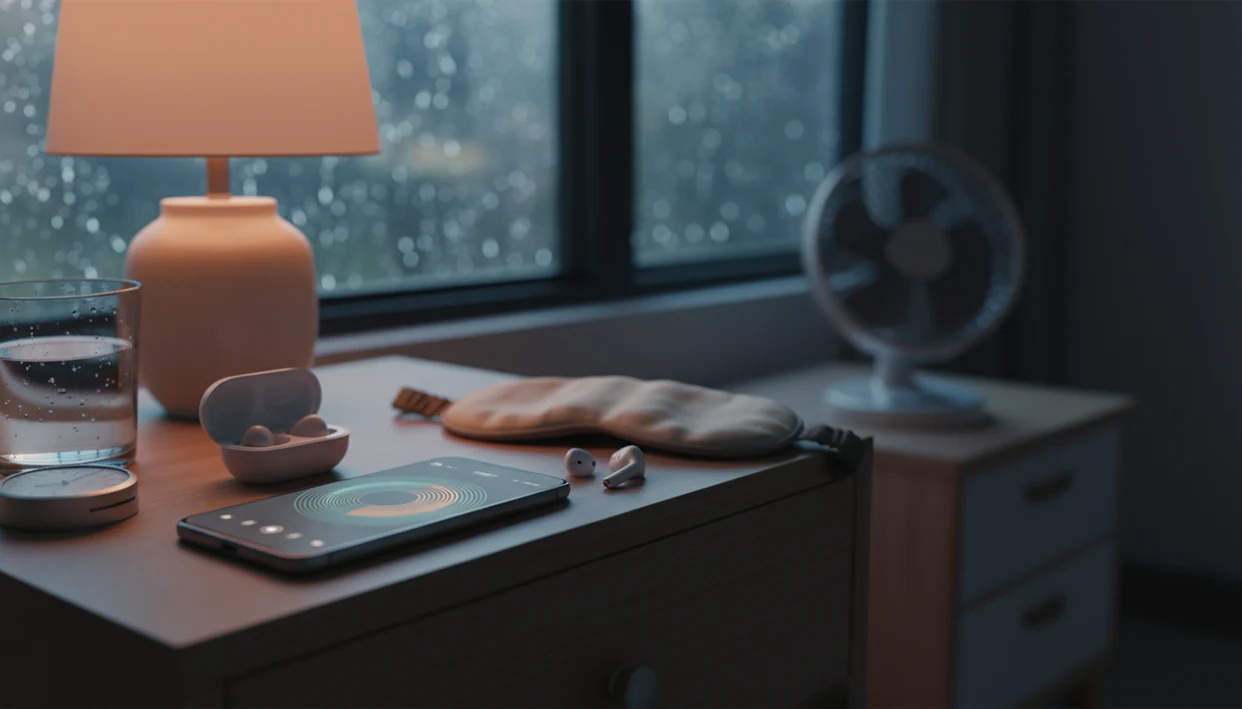
No app can medically identify the perfect sleep sound for everyone, but a good sleep sound app can help you test, save, and repeat calming audio that works for you. If you are asking what app identifies best sleep sounds, look for preference-based recommendations, sound mixing, timers, and adult bedtime content rather than a diagnostic sleep tracker app.
> Definition: A sleep sound app is a tool that plays, mixes, saves, and times calming bedtime audio such as rain, fan noise, soft music, stories, or meditation.
TL;DR
- Most sleep sound apps recommend relaxing audio based on your listening habits, skips, favorites, and simple feedback, not medical sleep diagnosis.
- A sleep tracker app may record snoring or estimate sleep stages, but consumer trackers are not a substitute for clinical testing.
- A practical approach is to experiment with rain, fan, white noise, music, stories, and meditations at low volume with a timer.
How what app identifies best sleep sounds look
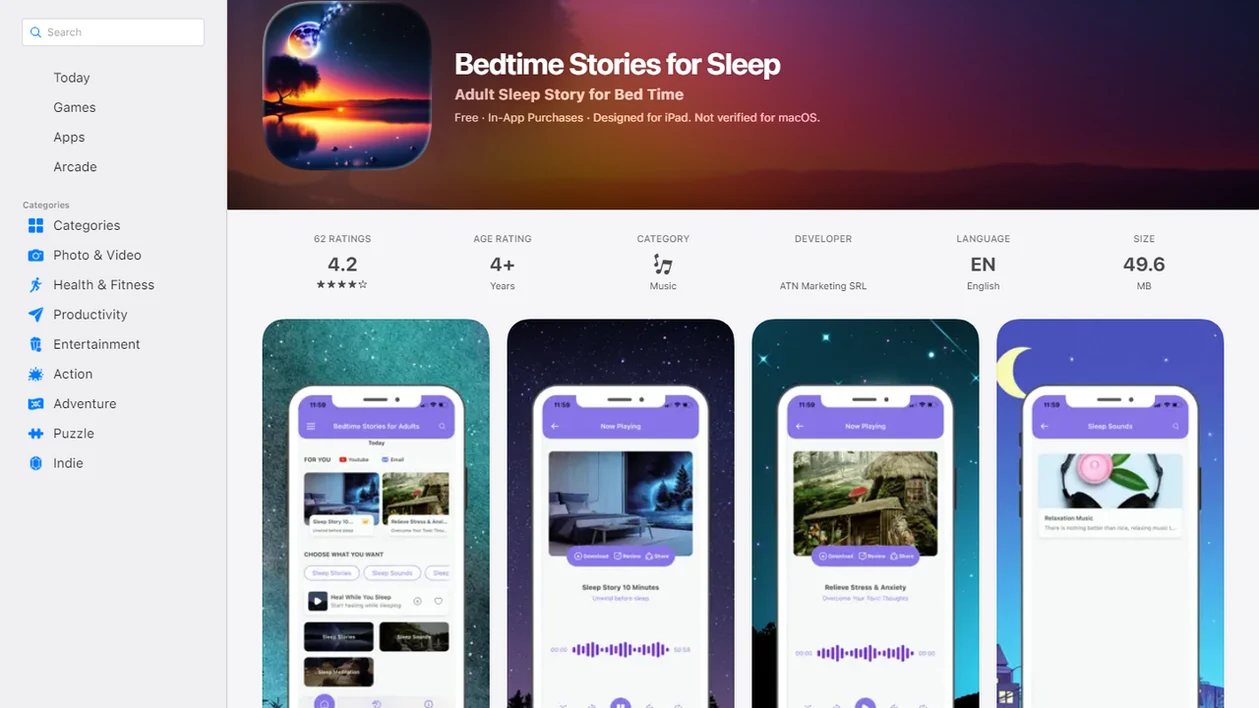
Side-by-side captures of the compared products. Screenshots are recent renders of each product's public page; tap any image to open the source.
What App Identifies Best Sleep Sounds, Really?
“What app identifies best sleep sounds?” usually means, “Which app can help me choose bedtime audio that makes my room feel calmer?” No consumer app can objectively identify one universal sound that works for every sleeper, bedroom, partner, and noise problem.
A sleep sound app learns preferences. A medical test evaluates health. Those are different jobs.
Tools in this category, including adult story apps, sound mixers, and white noise apps, can help you compare rain, ocean, fan noise, soft narration, and meditation. The right fit depends on whether you want family-safe adult bedtime audio, custom ambience, or simple background masking—not erotic audio, clinical treatment, or children’s sleep content.
How a Sleep Sound App Learns Your Bedtime Preferences
A sleep sound app learns your bedtime preferences by watching behavior signals such as plays, skips, repeats, favorites, session length, ratings, and saved mixes. In plain terms, it notices what you return to when the bedside lamp is dimmed and the room is quiet.
Common categories include rain, ocean, fan, fireplace, brown noise, white noise, soft music, bedtime stories, and guided meditation. Some apps also let you blend textures, like rain under a slow story or brown noise beneath a body scan. If you want a deeper comparison, the white noise vs pink noise debate is worth separating from general app choice.
Microphone-based sleep tracking is different. It may record sound or estimate movement, but that is not the same as learning which audio feels comfortable. Most recommendation systems optimize for user behavior and comfort, not proven sleep outcomes.
Sleep Sound App vs Sleep Tracker App: The Key Difference
A sleep sound app helps you choose and play calming audio; a sleep tracker app estimates what happened after you fell asleep. The distinction matters because relaxation support is not the same as medical-grade measurement.
| App type | What it does | What it cannot do | Best use case |
|---|---|---|---|
| Sleep sound app | Plays, mixes, saves, and times bedtime audio | Diagnose insomnia, apnea, or sleep stages | Replacing silence, traffic noise, or scrolling |
| Sleep tracker app | Estimates sleep duration, movement, snoring, or stages | Confirm a sleep disorder on its own | Noticing patterns to discuss with a clinician |
| Hybrid app | Combines audio with basic tracking | Prove which sound caused better sleep | Testing a routine over several nights |
A 2019 validation study found consumer sleep trackers had substantial agreement with polysomnography for total sleep time, but sleep-stage accuracy was weaker source. For most bedtime users, choosing a tool that can play sleep stories and white noise is a simpler starting point than interpreting sleep-stage charts.
Named Shortlist of Apps to Choose Sleep Sounds
A practical app to choose sleep sounds should match your bedtime job: mixing ambience, hearing adult stories, using a timer, or tracking noise. Don’t pick a tracker if your real problem is the laptop lid clicking shut after emails and your mind still running.
- Adult bedtime story apps: Useful for family-safe bedtime stories for adults with sleep sounds and meditation, especially if you want grown-up narration without a children’s story voice.
- BetterSleep-style sound mixers: Strong for customizable soundscapes, including rain, fan, fireplace, music, and layered ambience.
- White noise apps: Simple options for people who only want consistent background sound and minimal choices.
- Sleep tracker apps: Useful as a different category when you want estimated sleep duration, snoring notes, or movement trends.
For adult story-led listening, a best sleep sounds and stories app should make it easy to save a low-drama story, set a timer, and repeat the same cue tomorrow.
Five Facts About Best Sleep Sounds for Adults
- There is no single best sleep sound for everyone. Bedroom noise, hearing sensitivity, memory, and personal preference all change what feels calming.
- White noise can help some adults in noisy settings. A 2019 randomized controlled trial found white noise improved sleep onset latency and sleep continuity in adults exposed to noise source.
- Sleep problems are common. A 2018 review reported about 30% of adults have short-term insomnia symptoms, and about 10% report chronic insomnia source.
- Many adults sleep less than recommended. Per the CDC, 35.2% of U.S. adults reported sleeping less than 7 hours per night on average source.
- Smartphone access makes sleep apps widely available. Pew reported that most U.S. adults own smartphones and use them weekly source, which makes app-based bedtime routines easy to try.
For noisy apartments, steady masking is often easier than total silence because it reduces sudden contrast.
Common Myths About Sleep Sound Apps
The biggest myth is that one sound works for everyone. Rain may soften a bedroom for one person, while another finds each water detail too noticeable. Breath matching a quiet ocean loop can feel natural, but it can also become the thing you listen to too closely.
Another myth is that an app that analyzes sleep sounds can diagnose sleep apnea. It can’t. Persistent gasping, heavy snoring, or daytime sleepiness belongs in a clinician conversation, not an app score.
A third myth is that more AI or microphone data automatically means better sleep. More data can create more checking. The healthiest framing is simple: relaxation support plus sleep hygiene basics. Clinicians typically recommend consistent sleep schedules, a dark room, and limiting bright screens before bed as core sleep hygiene practices.
Practical Settings for an App to Choose Sleep Sounds
Set the volume low enough to mask distractions without becoming the main event. If a partner asks, “Can you turn it down one notch?” that’s useful feedback, not a failed routine. The sound should sit behind the room.
Try one sound or mix for several nights before switching. Rain on Monday, brown noise on Tuesday, and distant train ambience on Wednesday may teach you less than repeating one cue calmly. For volume specifics, use a guide like how loud should sleep audio be before blaming the app.
Use auto-off timers, fade-outs, and phone placement across the room when possible. Pair sounds with adult bedtime stories or sleep meditation if you are replacing TV or scrolling. Once the sound starts, avoid notifications and bright screens. Face down helps.
How to Use a Sleep Sound App
Use a sleep sound app as a small bedtime routine, not as a test you have to pass. The goal is to make the room feel steadier and reduce one specific friction point at a time.
- Choose one sleep problem to work on first, such as traffic outside the window, uncomfortable silence, or the habit of scrolling after lights out.
- Pick one sound category and stay with it for several nights. Rain, fan noise, brown noise, a soft story, or meditation can all work better when they become a familiar cue instead of a nightly search.
- Set the volume below normal conversation level, then add a timer or fade-out so the sound does not keep demanding attention.
- Place your phone away from the pillow, ideally across the room, and turn off notifications before the audio starts.
- Track comfort in plain language: easier, worse, distracting, neutral. Treat that note as personal feedback, not medical proof that the app measured your sleep.
Limitations
Sleep sound apps are useful, but they are not sleep medicine. Keep these limits in view before treating any app recommendation as a verdict.
- No app can objectively identify the best sound for every brain, bedroom, mattress, partner, or travel night.
- Consumer sleep trackers and sound analyzers are not medical diagnostic devices.
- Persistent snoring, gasping, insomnia, depression symptoms, or daytime sleepiness should be discussed with a clinician.
- Some light sleepers find audio disruptive, especially loops with noticeable changes.
- Some people become dependent on a specific sound and struggle when traveling without it.
- Research on AI-personalized sleep sound recommendations is still limited.
- Phones can worsen bedtime if they lead to notifications, scrolling, bright-screen exposure, or “just one more setting” adjustments.
- A sleep sound app may support an offline bedtime routine, but it cannot replace regular sleep hygiene basics.
Small, repeatable steps beat constant tweaking.
FAQ
Can an app identify the best sleep sounds for me?
An app can recommend, categorize, and save sleep sounds based on your behavior and feedback. It cannot objectively identify one universal best sleep sound for every person.
What is a sleep sound app?
A sleep sound app is a tool for playing, mixing, saving, and timing relaxing bedtime audio. Common options include rain, fan noise, white noise, soft music, stories, and meditation.
Is a sleep sound app the same as a sleep tracker app?
No. A sleep sound app helps you choose audio, while a sleep tracker app estimates sleep patterns, movement, snoring, or sleep duration.
Can apps diagnose sleep apnea?
Consumer apps cannot diagnose sleep apnea. Snoring, gasping, breathing pauses, or strong daytime sleepiness should be discussed with a clinician.
What sleep sound works best for adults?
A useful sleep sound varies by person. Common adult choices include rain, fan noise, white noise, ocean sounds, and soft bedtime stories.
Are free sleep sound apps enough?
Free sleep sound apps may be enough if you only need simple background audio. Paid features may matter if you want timers, custom mixes, offline playback, or adult bedtime stories such as Sleep Stories for Grown Ups.
Should sleep sounds play all night?
All-night sound can help with continuous noise masking, but timers and fade-outs may reduce disruption for lighter sleepers. Try both approaches and keep the volume low.